The majority of cybersecurity leaders say emerging GenAI risks require major updates to their security approaches, but teams are still working out how to assess them. This isn’t surprising, and the challenge only grows as systems move from generating content to acting autonomously.
SecureFlag is here to help development teams manage these risks with ThreatCanvas, our automated threat modeling solution. It now offers risk templates aligned with both the OWASP Top 10 for LLM Applications and Agentic AI.
A Closer Look at Risk Templates
ThreatCanvas has a structured set of risk templates to simplify threat modeling, so teams don’t have to start working from a blank model.
Essentially, these risk templates are predefined collections of threats paired with corresponding controls. Teams can choose the template that best suits their project, choosing from specific contexts, including compliance standards, application environments, and particular technology domains.
In this way, teams can:
-
Apply a consistent baseline of risks across projects.
-
Align threat modeling with recognized standards, rather than individual interpretation.
-
Focus on assessing impact and controls instead of reinventing threat scenarios each time.
It’s also useful for AI systems because they have risks that don’t always fit neatly into traditional application security categories.
When teams use risk templates for OWASP’s Top 10 for LLM applications and agentic AI, they can base their threat models on industry-recognized AI risks without having to identify specific threats themselves.
How AI Changes Application Security Risks
Teams that were used to working on security issues before the advent of AI now have to deal with new attack paths that are, in many cases, very different.
-
Prompts are the new inputs: They can be manipulated to trick the system or bypass safeguards.
-
Generated outputs aren’t fixed: They can leak sensitive data or produce unexpected results.
-
Agents can make decisions: Combining tools, APIs, and actions together creates new risk vectors.
-
Trust boundaries shift: When AI interacts with external systems, it’s difficult to know what’s secure.
Without a structured way to assess these risks, teams tend to rely on checklists or late-stage reviews. However, that usually means issues show up after deployment, when fixing them is much more costly.
Mapping OWASP’s AI Top 10
The OWASP Top 10 for LLM Applications lists risks such as prompt injection, insecure output handling, sensitive information disclosure, and training data poisoning.
When it comes to the OWASP Top 10 for Agentic AI, it looks at other threats introduced when AI systems are given autonomy, including agent goal hijack, unexpected code execution, excessive agency, and uncontrolled tool usage.
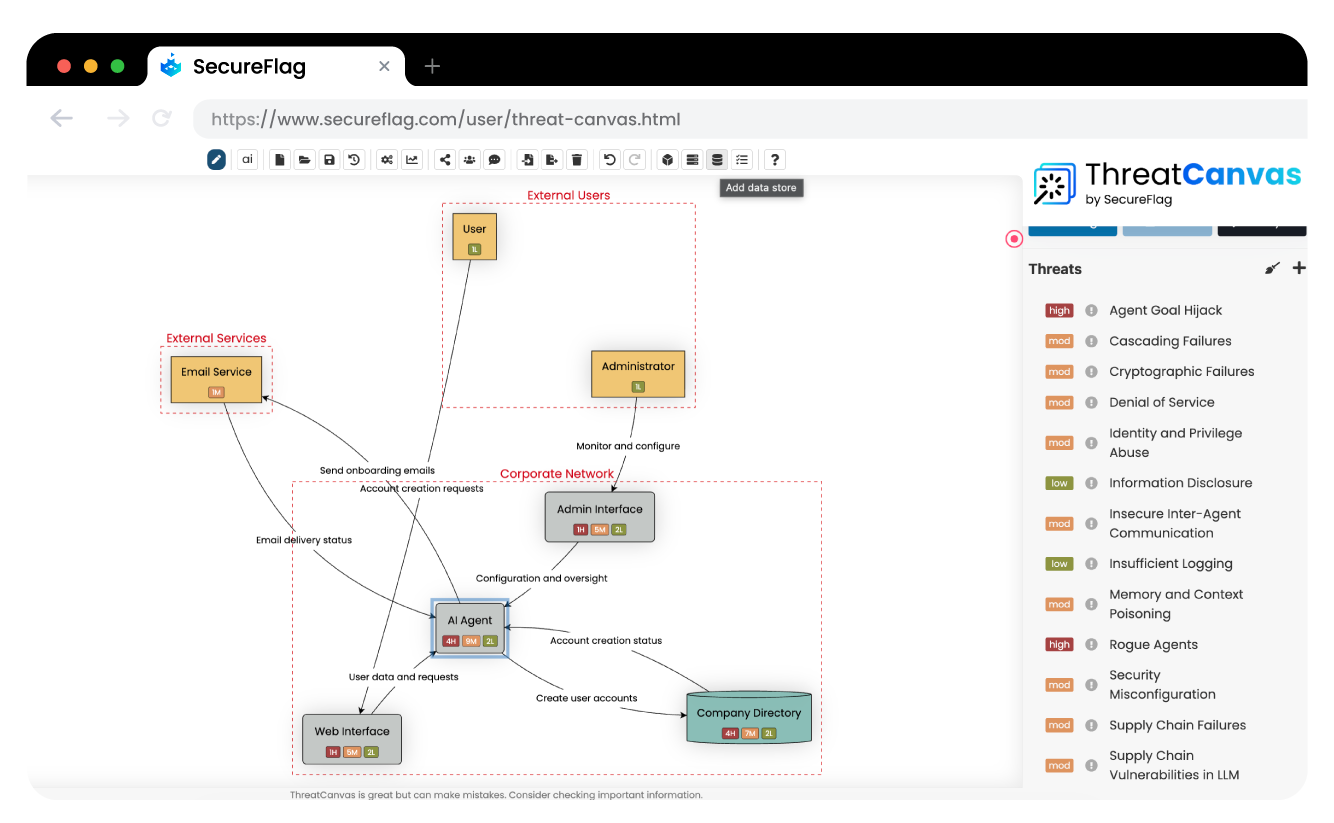
ThreatCanvas’s new risk templates turn these lists into practical, model-ready risks that can be applied directly during threat modeling. Teams can:
-
Select relevant OWASP AI risks from predefined templates.
-
Apply them consistently across AI-enabled architectures.
-
Evaluate likelihood and impact in context.
-
Identify practical controls associated with system components.
Integrating ThreatCanvas into Developer Workflows
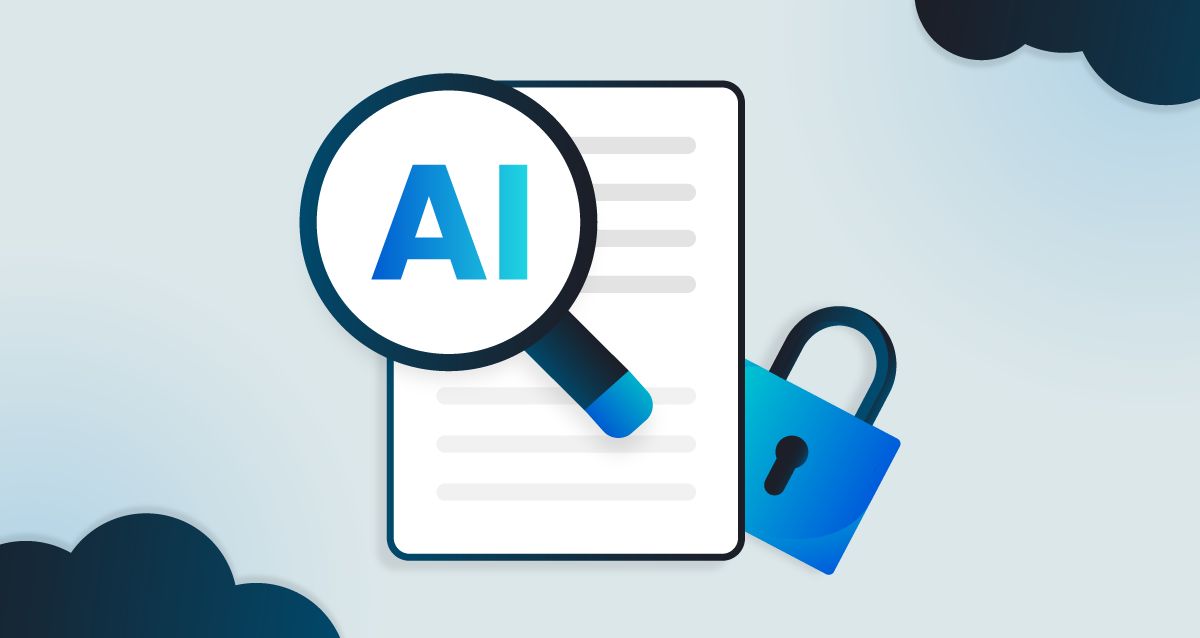
AI threat modeling is most effective when it’s integrated into the software and processes teams already use. For example, ThreatCanvas integrates with Jira and Azure DevOps so teams can generate threat models directly from work items.
Risks and suggested controls can then be linked back to the ticket or tracked alongside the feature under development.
Making AI Risks Manageable with ThreatCanvas
LLMs and agentic AI are becoming more widespread, so teams need practical ways to assess the risks they pose. While reading about them is helpful, it only goes so far when developers are making design and implementation decisions.
ThreatCanvas’s OWASP-aligned risk templates give teams something concrete to work with. They can apply them directly in their workflows during threat modeling and, together with SecureFlag’s hands-on labs, learn how to mitigate threats effectively.