
If your team has been using OWASP Threat Dragon, moving to a new threat modeling platform can feel like starting over. Existing diagrams represent hours of work, and rebuilding them manually isn’t an appealing option.
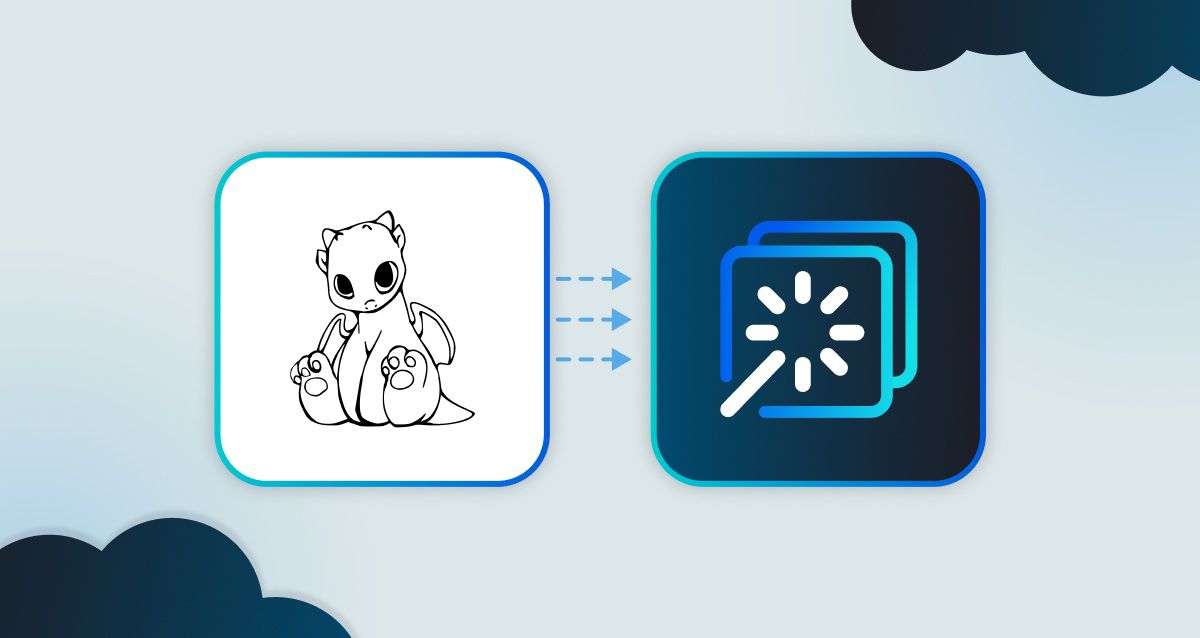
ThreatCanvas now supports importing OWASP Threat Dragon models. You can bring your existing diagrams into ThreatCanvas and continue working without recreating them from scratch.
What Is OWASP Threat Dragon?
OWASP Threat Dragon is a free, open-source threat modeling tool that teams use to create threat model diagrams, record potential threats, and document mitigations. It has been a popular starting point for organizations adopting threat modeling, particularly those looking for a no-cost option.
As those teams grow or their needs change, they often look for a more automated, scalable solution. ThreatCanvas is designed for that next step, and the import feature makes the transition straightforward.
What Is ThreatCanvas?
For those new to ThreatCanvas, it is SecureFlag’s automated threat modeling solution that can create a threat model in seconds from a textual description, IaC template, existing diagrams, or code repository. It helps teams identify and mitigate security threats throughout the software development life cycle (SDLC), with a focus on the design phase.
Features include risk classification, built-in compliance templates for standards such as PCI DSS, HIPAA, and FedRAMP, Jira and Azure DevOps integrations, and collaborative threat modeling.
How the Import Works
The importer preserves your existing threat model structure so you can continue refining it in ThreatCanvas rather than rebuilding it manually. Some manual review and adjustment may be needed after import.
Importing a Threat Dragon model takes just a few steps:
-
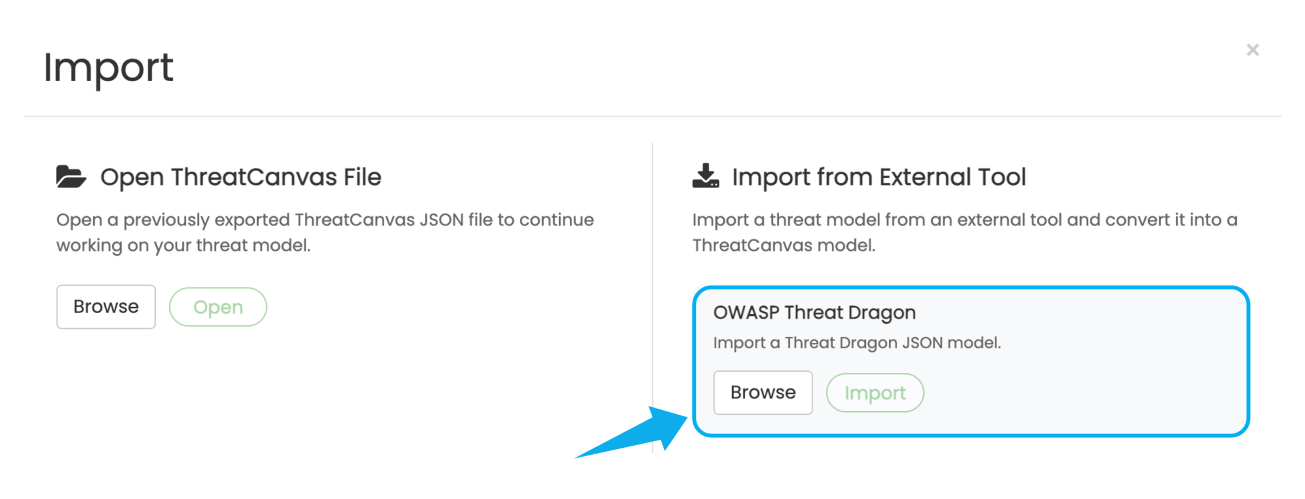
Click the Import Model button in the toolbar.
-
In the Import from External Tool section, locate OWASP Threat Dragon.
-
Click Browse, select your Threat Dragon JSON model file, and click Import.
-
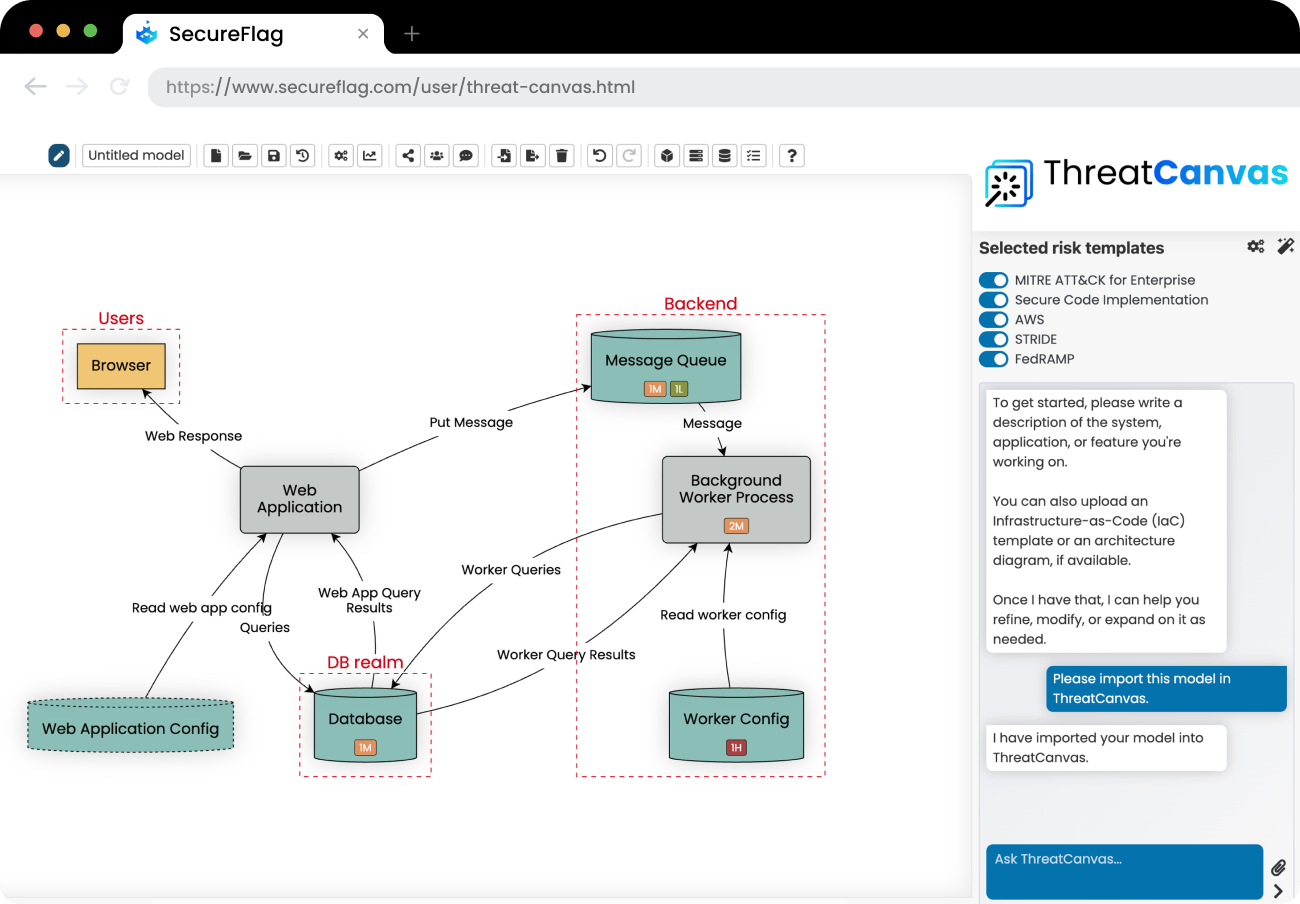
Once the import is complete, the diagram appears, and you can continue working in ThreatCanvas as usual.
Bringing Your Models With You
Switching tools is often held back by the cost of migrating existing work. If you have spent time building Threat Dragon models, the prospect of losing that progress is a barrier.
The import feature keeps your existing models so that teams can move to ThreatCanvas without a disruptive restart.
It also makes ThreatCanvas a practical option for organizations at different stages. A team that started with Threat Dragon as a free, accessible introduction to threat modeling can now bring that work forward into a more capable, enterprise platform when they are ready.
Threat Modeling Across the Lifecycle
As organizations scale, they often need more collaboration, compliance reporting, workflow integrations, and automation than a basic threat modeling tool can provide. Once imported into ThreatCanvas, existing models can take advantage of these capabilities while supporting threat modeling throughout the SDLC.
SecureFlag continues to focus on helping teams build security thinking directly into how they design and develop systems.
Want to see how ThreatCanvas fits into your development workflow?