Traditional security training often relies on generic examples that don’t usually reflect how your teams work. Developers may complete courses, but applying those lessons to their own systems remains a challenge.
SecureFlag’s new Custom Labs solves this by letting teams build private, fully customizable Code Review Labs tailored to the coding patterns, guidelines, and common security issues found in your environment.
Developers can practice finding vulnerabilities in carefully crafted example code through interactive learning journeys that combine text, video, and hands-on exercises, all aligned with your internal IT and security needs.
Labs Built Around Your Code and Processes
Instead of working through multiple-choice questions or other static learning methods, Custom Labs lets organizations use their own code and frameworks in practical training scenarios.
Teams get to work with the same technologies and coding decisions they use every day in Code Review Labs, which gives them skills they can apply immediately to their projects.
Whether the goal is to review code, explore how vulnerabilities arise in your applications, or validate internal secure coding guidelines, Custom Labs lets teams create exercises that match their workflows.
How Custom Labs Work
Creating a Custom Lab is straightforward, as can be seen in this overview:
-
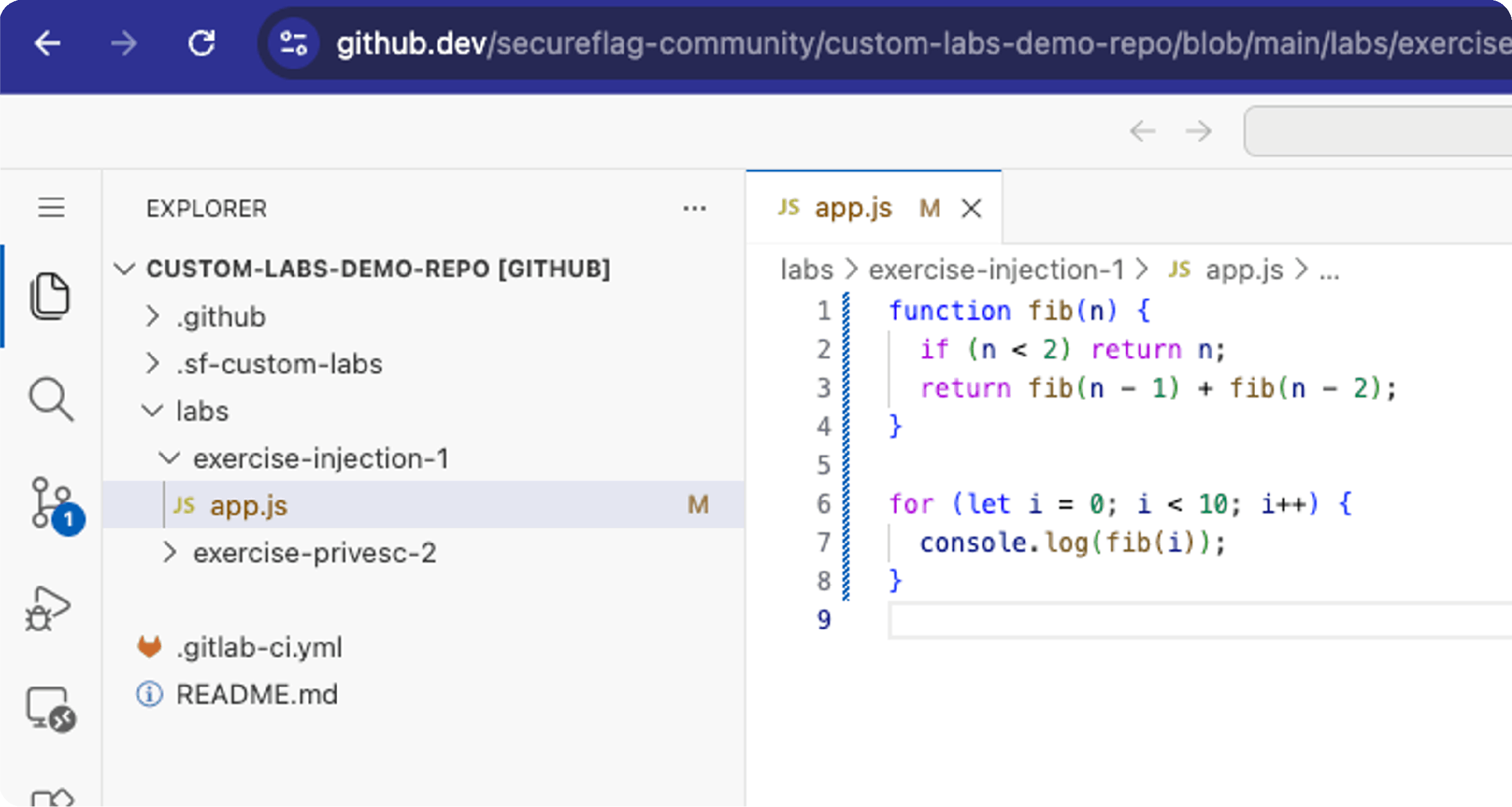
Set up and prepare your code in a new or existing Git repository.
-
Edit or upload code directly using web IDEs like GitHub Codespaces or GitLab Web IDE.
-
Tag your repository to automatically publish your labs to SecureFlag.
-
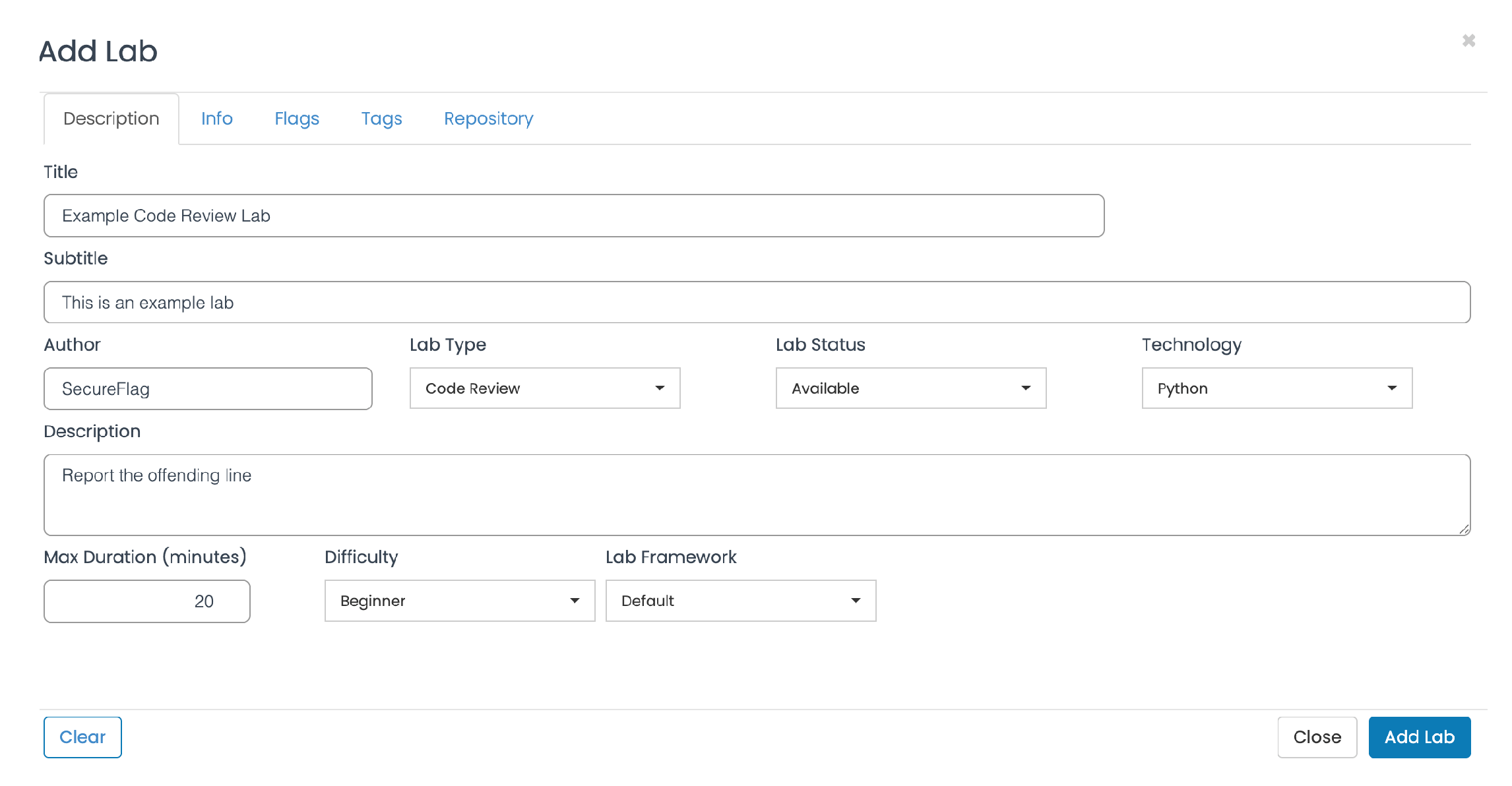
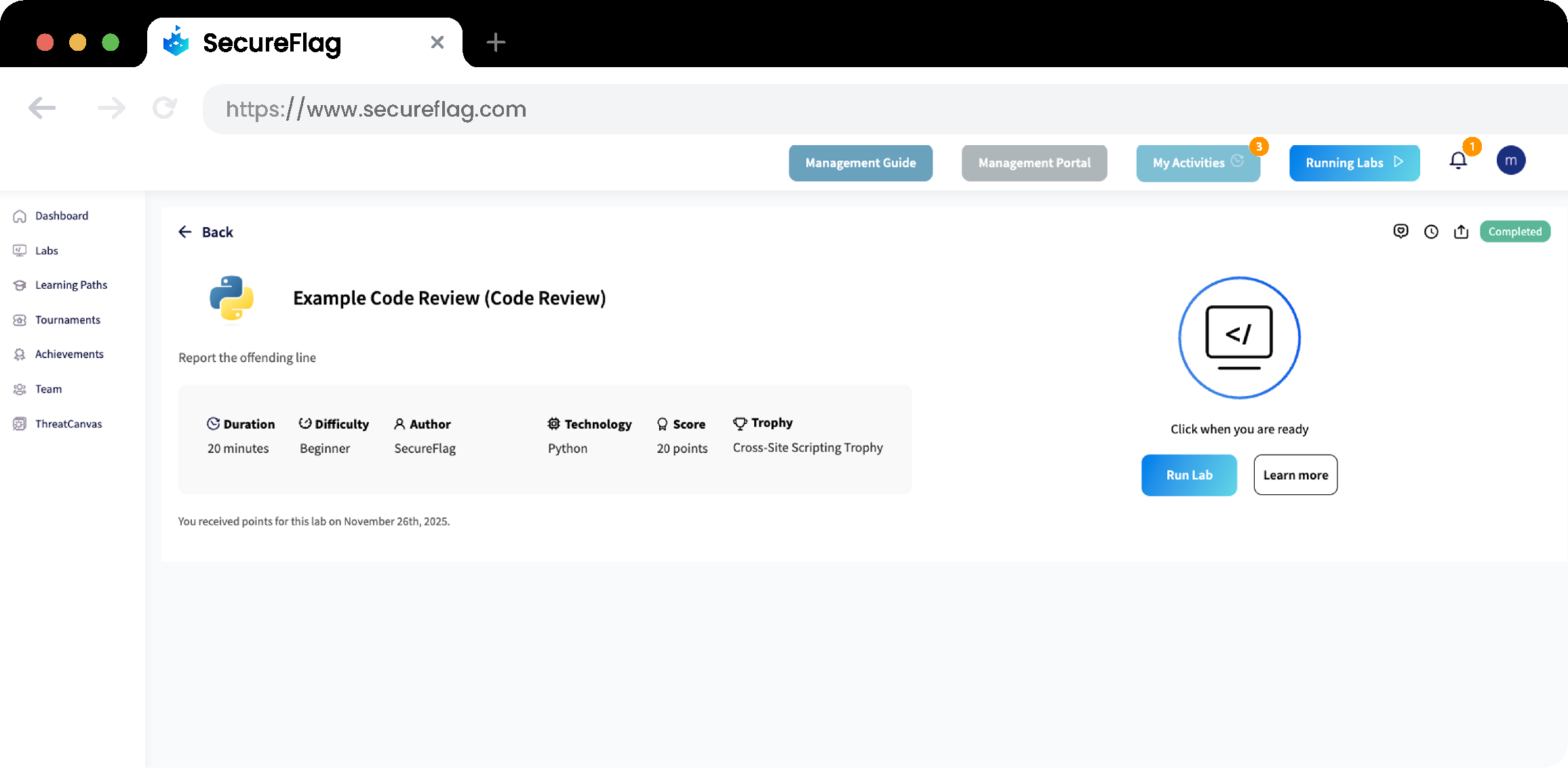
Write the instructions to guide users in identifying the vulnerability within the lab, and configure relevant metadata such as difficulty level and duration.
The labs can be deployed in just a few clicks and then shared without any complex setups or local installations.
Platform-Agnostic
It’s worth noting that the code for your Custom Labs can be hosted on any CI/CD platform. The setup is completely platform-agnostic, allowing you to store it in GitHub, GitLab, or any other Git repository, and update it directly using built-in web IDEs.
Check out our Quick Start Manual for more details.
Custom Labs That Adapt to Your Teams
Custom Labs offer benefits that help organizations tailor training, including:
Use Your Code
Training based on your organization’s coding guidelines and dependencies gives developers instant, practical experience and helps them write secure code in a familiar environment.
Flexible Configuration
Teams can create labs that align with learning goals, adjust scoring, offer helpful hints, and reference knowledge base content.
High Relevance
Labs can use vulnerabilities and security scenarios identified through internal processes like SAST, penetration testing, and code reviews, helping developers improve their coding skills to address issues.
Scalability
No matter what size the team is, Custom Labs can scale to fit, supporting different technology stacks and adjusting difficulty levels as skills improve.
Endless Learning Opportunities with SecureFlag
With Custom Labs, there are so many possibilities for secure coding training. Teams can combine their own code, videos, and vulnerability references with SecureFlag content to build engaging learning paths and continuously refine their skills.
If your organization needs practical security training that developers will enjoy using, we can show you how to create your first Custom Lab and integrate it into your development process.