Are your development teams struggling to keep threat models up to date? Considering how quickly applications change, manually updating them can feel like a never-ending task. However, if threat models are outdated, serious risks could be overlooked.
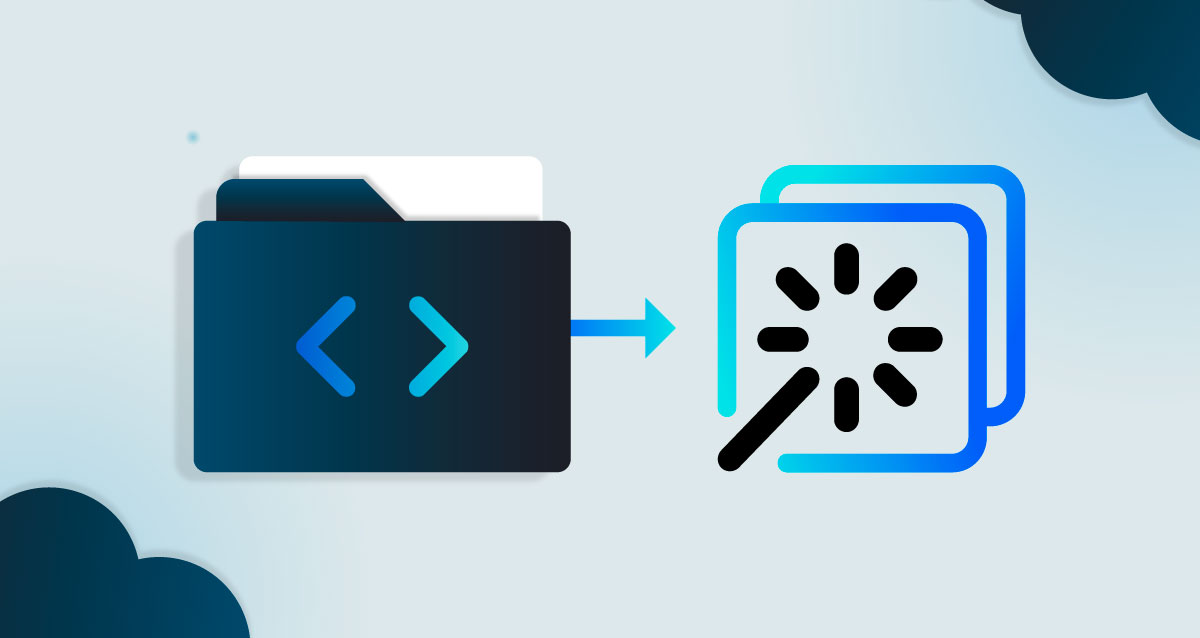
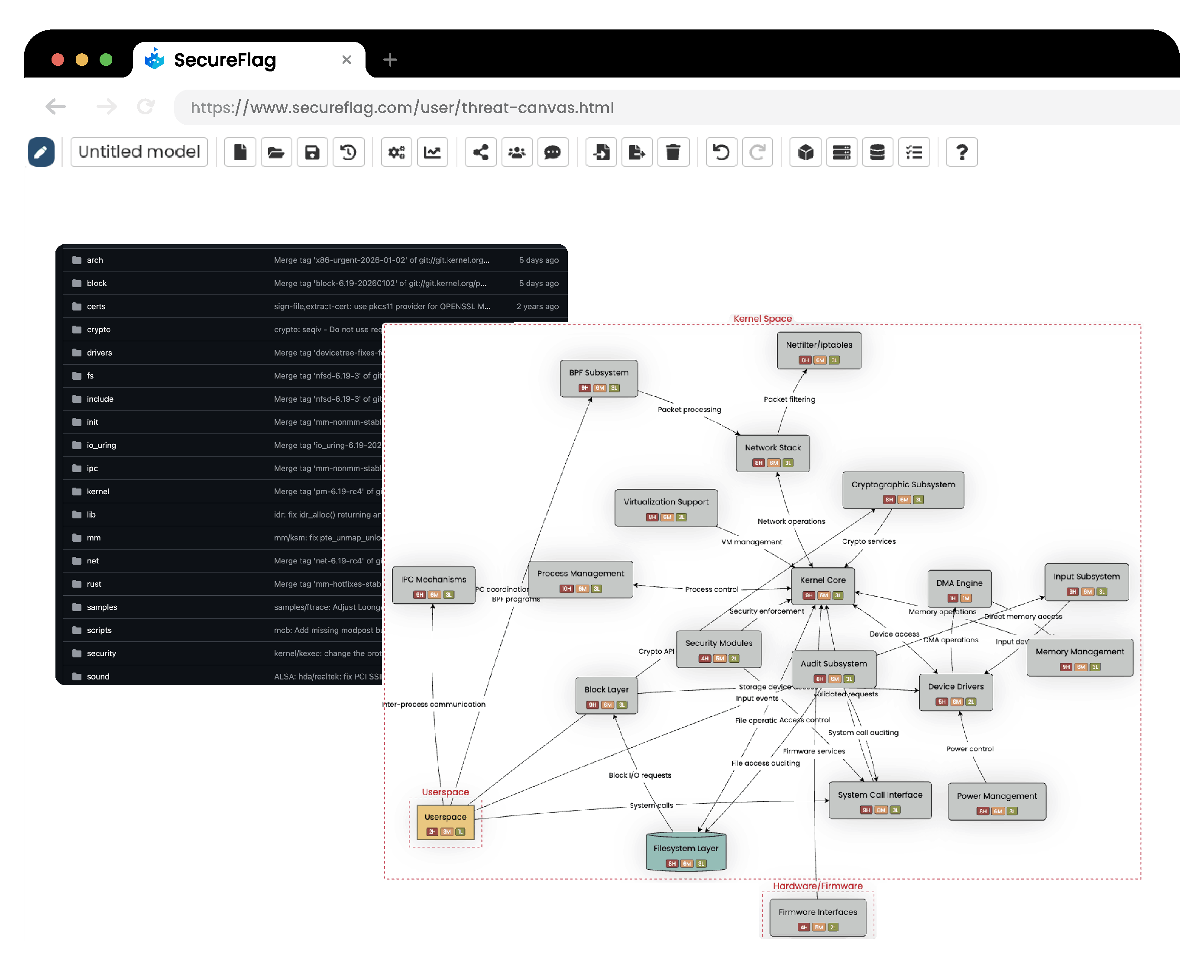
SecureFlag makes threat modeling for development teams much easier with its new “Code Repository to Threat Model” feature. It automatically turns your codebase into a living threat model in ThreatCanvas, directly from your CI/CD pipeline.
Why Automate Threat Modeling from Code?
Repositories get updated every day, sometimes even hourly, so you can see how damaging it could be if threat models are created only once at the beginning of a project. They would miss new features, dependencies, and threats.
Generating threat models from your code repository structure helps you:
-
Understand application architecture as it exists today.
-
Identify security boundaries, components, and integration points automatically.
-
Find potential attack surfaces earlier in development.
-
Keep threat models aligned with code changes.
How the Code Repository to Threat Model Works
The process is straightforward, automated, and secure. Here’s an overview of the steps it takes:
-
Code extraction: The SecureFlag runner (a CI/CD job that runs in your repository) scans your code and extracts information about the application’s architecture.
-
AI analysis: AI analyzes the structure and generates a summary that identifies components, boundaries, and integration points.
-
Send to ThreatCanvas: ThreatCanvas then uses the summary to automatically create a structured threat model, giving your team an up-to-date visual map they can review, refine, and act on immediately.
For more detailed information, check out our guide.
Built with Data Protection and Privacy in Mind
Automatically analyzing code raises valid security concerns, which is understandable. However, Code Repository to Threat Model is designed so your source code stays under your control.
-
Code never leaves your infrastructure: Repository scanning happens entirely inside your CI environment.
-
You use your own LLM account: AI analysis runs using your organization’s LLM credentials, giving you full control over API keys and data handling. We currently support Anthropic, Azure OpenAI, OpenAI, and Gemini.
-
No source code is sent to SecureFlag: We only receive an AI-generated architectural description of your repository, such as component and function names, boundaries, and integration points. No code logic or implementation details are shared.
Teams can benefit from AI-driven threat modeling without exposing sensitive source code.
Integrates into Any CI/CD Pipeline
The SecureFlag CI runner is platform-agnostic and Docker-based. It works with virtually any CI/CD system, including:
-
GitHub Actions
-
GitLab CI
-
Jenkins
-
Azure DevOps
-
CircleCI
-
Bitbucket Pipelines
For GitHub users, SecureFlag provides a dedicated GitHub Action to make it even more straightforward to get started. Teams can reference the action directly from SecureFlag’s repository, ensuring they always run the latest version without having to maintain custom scripts in their own codebase.
Fine-Tune the Threat Model to Match Your Needs
In ThreatCanvas, you can refine the model, adjust assumptions, and select the risk frameworks most important to your organization, such as secure coding–focused frameworks.
You can also influence the generated output directly from your pipeline, for example:
-
Limit diagram complexity by guiding how many components appear.
-
Focus analysis on specific directories instead of the entire repository.
Making Threat Modeling Part of Everyday Development
Threat modeling is most effective when it’s continuous. Connecting your code repository to ThreatCanvas provides benefits that will keep your organization more secure, such as:
-
Earlier risk detection: Find issues early, not months later during a security review.
-
Faster remediation: Fix risks while the code is recent and the context is clear.
-
Less context switching: Review security insights alongside feature work rather than in separate audit findings.
-
Accurate coverage: Keep your threat model automatically aligned with changes in the application.
Automated threat modeling keeps security in sync with development, so teams can make informed decisions without slowing them down.